How to Make a Bouncing Ball Music Video for TikTok (Step by Step)
By Cihad Turhan · · 4 min read
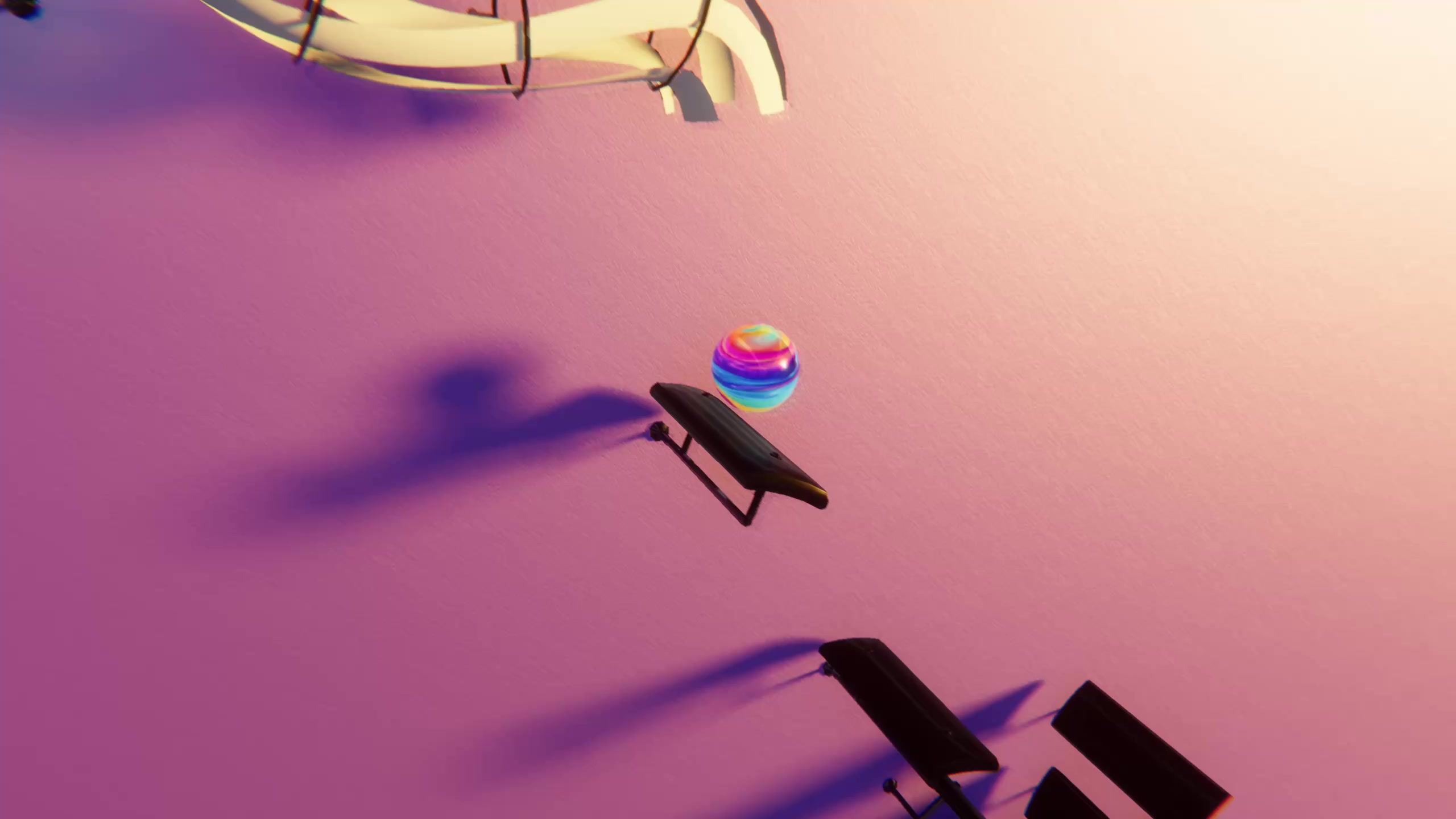
Bouncing ball music videos are some of the most satisfying clips on TikTok: a marble drops, hits a paddle, and every bounce lands exactly on a note of a song you know. They look like they took hours of animation work. With Marble Music (formerly Beat Bounce) the timing is done for you, so you can go from a song to a finished video in a few minutes.
Here is the whole process, plus the posting habits that make these videos actually get watched.
What you need
- Marble Music on iOS, Android or Steam (Windows and macOS). It's free.
- A song. Either one from the built-in library or a MIDI file of the song you want.
- A TikTok account (the same video works for Instagram Reels and YouTube Shorts).
Step 1: Pick a song or import a MIDI
You have two ways to get music into the game.
Use the built-in library. Marble Music comes with a library of piano, chill and classical songs that are ready to play. This is the fastest way to make your first video.
Import a MIDI in the level editor. If you want a specific song, open the level editor and import a MIDI file. The game builds a level from the notes, so the marble bounces on every note of that song. You can then edit the level to your taste.
Don't have a MIDI file? We host more than 1,100 free MIDI files, from pop hits to film themes and classical pieces. Download one and import it straight into the level editor.
Tip: piano arrangements with a clear melody usually look best, because every bounce maps to a note you can actually hear.
Step 2: Play it
Hit play and watch the marble bounce along with the music. Every bounce lands on a note, and the glowing visual themes give each song its own look. Play it through once to check the timing and the overall feel before you record anything.
Step 3: Render in up to 4K
When you're happy with it, render the video. Marble Music renders in up to 4K, so the marble and the lighting stay sharp even after TikTok compresses your upload. Rendering at a high resolution is the easiest quality win you can get.
Step 4: Post it
Save the rendered video and upload it to TikTok, Instagram Reels or YouTube Shorts. Before you post, watch it once on your phone, the way your viewers will see it.
Tips for posting bouncing ball videos that get watched
Making the video is the easy part. These habits decide whether people watch to the end.
Hook in the first second
TikTok viewers decide almost instantly whether to keep watching. Start the clip on the first bounce, not on a quiet intro. If the song has a slow opening, choose a section that starts on the recognizable part of the melody.
Make the ending loop
A video that loops cleanly gets watched more than once, and rewatches help it travel. End on a note that leads naturally back into the first bounce, or cut the clip so the last bounce and the first bounce feel continuous.
Use songs people recognize
Recognition is the hook. When viewers hear a familiar melody played by bouncing marbles, they stay to see how it continues and often comment with the next song they want. Trending songs, film and game themes, and well-known classical pieces all work well. A free MIDI from /midis gets you there quickly.
Add captions and on-screen text
Many people scroll with the sound off. Put the song name on screen in the first second, and write a short caption such as "Every bounce is a note of [song name]". It tells silent viewers why the video is interesting and makes your video easier to find in search.
Post consistently
One video rarely tells you much. Posting regularly, ideally daily or several times a week, gives you enough videos to learn which songs and styles your audience likes. Reply to comments that request songs and turn the best requests into your next videos.
Try it
Pick a song you love, let the marble play it, render it in 4K and post it. Your first video takes a few minutes, and every one after that gets faster.
Frequently asked questions
- Is Marble Music free?
- Yes. Marble Music (formerly Beat Bounce) is free on iOS, Android and Steam, with optional in-app purchases.
- Can I use my own songs?
- Yes. Import a MIDI file in the level editor and the marble will bounce on every note of that song. If you don't have one, the site has more than 1,100 free MIDI files you can download.
- What resolution can I export?
- You can render your video in up to 4K, which leaves plenty of headroom for TikTok, Instagram Reels and YouTube Shorts.