ASMR Music Videos: How to Make Calm, Satisfying Marble Clips
By Cihad Turhan · · 5 min read
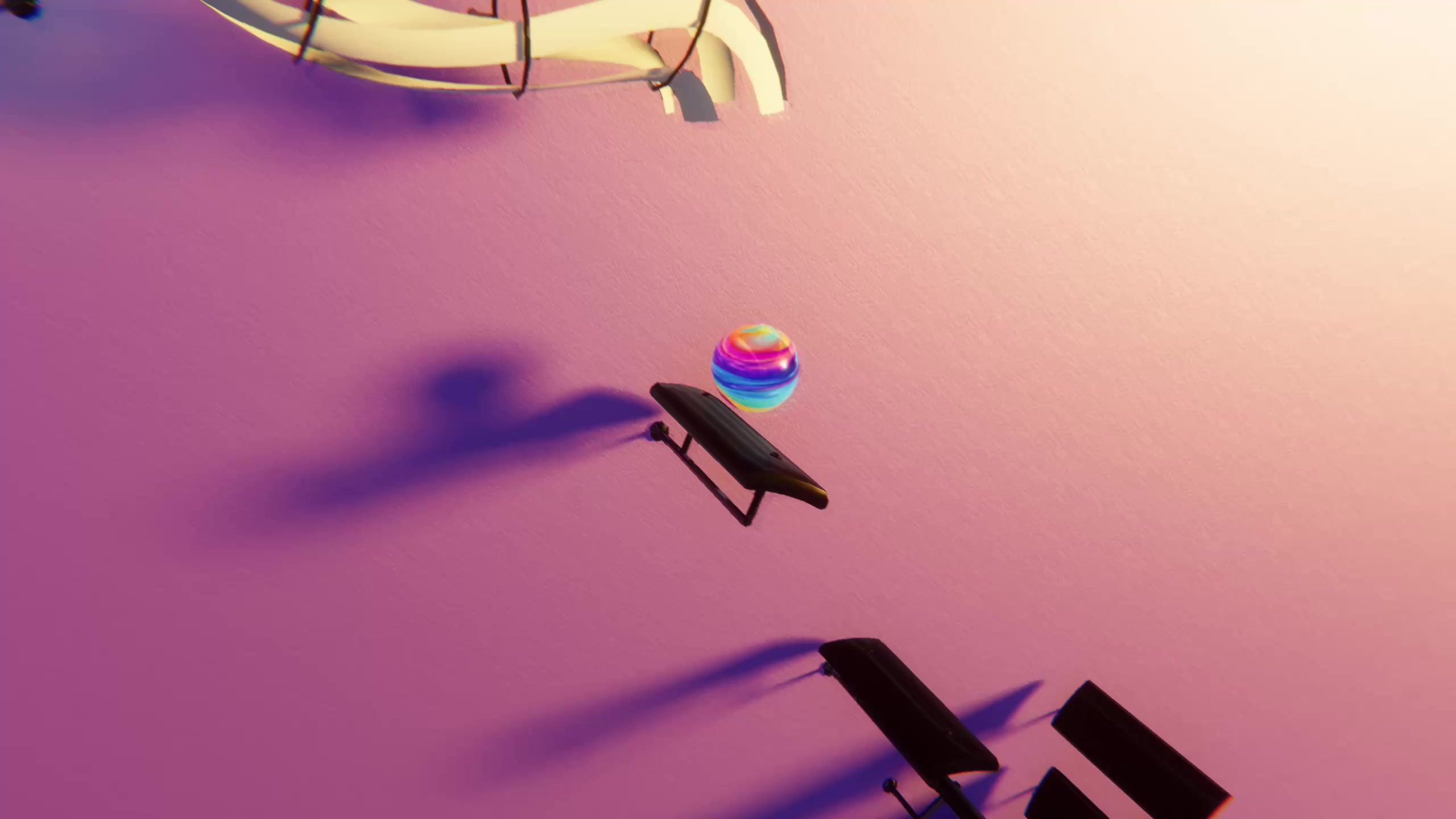
To make an ASMR-style satisfying music video, pick a slow piece with few notes per second, import its MIDI into Marble Music, choose a soft glowing theme, and render one long, uncut run with no voiceover and steady volume. The calm comes from what you leave out: no jump cuts, no loud intro, no flashing text.
Calm clips are a different genre from the fast, hype edits most bouncing ball videos aim for. Viewers aren't waiting for a drop. They want something easy to watch that won't jolt them, often while studying or winding down for sleep.
Calm clips vs hype clips
For a relaxing video, flip most of the usual short-video advice.
| Hype clip | Calm clip | |
|---|---|---|
| Tempo and density | Fast, busy runs | Slow, a few bounces per second at most |
| Opening | Start mid-drop for an instant hook | Fade in gently, no shock |
| Editing | Quick cuts, zooms | One uncut run |
| Text on screen | Big hooks and questions | A short title or nothing |
| Audio | Loud, punchy | Steady volume, no voiceover |
| Length | 10 to 20 seconds | 30 seconds up to a full piece |
If you're new to the format, the step-by-step guide on making a bouncing ball music video for TikTok covers the basic workflow. The rest of this post is about the calm variant.
Pick a slow piece: two public-domain choices
Note density matters more than tempo. A slow piece with dense chords still makes the marble busy. Here are two classics from the free MIDI library, measured by counting the notes in each file.
Gymnopédie No. 1 (Satie)
Erik Satie wrote the three Gymnopédies in 1888, and the first was published that year. The library's Gymnopédie No. 1 piano file has 455 notes spread over about 4 minutes 22 seconds, which is under two bounces per second. More useful still, it stays that even: every 30-second stretch of the file holds between roughly 40 and 60 notes. That steadiness is what you want for a sleep or study video, because nothing suddenly speeds up.
Clair de Lune (Debussy)
"Clair de lune" is the third movement of Debussy's Suite bergamasque, published in 1905. The library's Clair de Lune file runs about 4 minutes 36 seconds, but it isn't calm the whole way. The first minute holds about 118 notes, around two per second. Between roughly 2:30 and 3:00 it climbs to nearly 300 notes in 30 seconds, as the famous rippling middle section takes over.
So use Clair de Lune in one of two ways: as a short clip from the opening minute, or as a full-length video where the busier middle becomes a gentle swell before the piece settles again. Avoid cutting a short clip from the middle if calm is the goal.
Both compositions are in the public domain, but a MIDI file can be someone's own arrangement with its own license, so check the license of any file you post.
Set up the level
Marble Music (formerly Beat Bounce) turns MIDI files into bouncing-marble videos, and the marble lands on every note. For a calm clip:
- Import the MIDI and edit the level. Open the level editor, import your chosen file, and play it through once to hear whether it sounds the way you expect.
- Choose a soft glowing theme. The app has several glowing visual themes. For relaxing content, pick one with darker, low-contrast colors so the marble's glow is the only bright thing on screen.
- Play the whole thing before you render. Listen for any passage that feels too busy. If the middle of a piece breaks the mood, plan to render only the calm section.
- Render at the highest resolution you can. Marble Music renders video in up to 4K. A long, slow video gives viewers time to notice every detail of the glow, so the sharpest render you can make is worth it.
Edit without breaking the calm
The editing rules for relaxing videos are mostly about restraint.
- Keep it uncut. One continuous run lets the viewer settle in. A cut resets their attention, which is the opposite of what you want.
- Fade in and out. Add a one or two second fade from black at the start and back to black at the end in your editing app, instead of starting on a bounce.
- No voiceover, no added sound effects. The piano is the ASMR. Extra whooshes or a talking intro work against it.
- Keep the volume steady. Don't boost the first seconds to grab attention. If you add a quiet ambient layer such as rain, keep it well under the music and the same level throughout.
- Text: one line or none. A small title such as "Satie, Gymnopédie No. 1" in a corner is enough. Remove it after a few seconds if the video is long.
- No loop tricks for full-length videos. A seamless loop can suit a short clip. For a sleep video, let the piece end naturally and fade out.
If you want something that loops endlessly in the background, RingLoop is worth a look. Its catalogue includes lo-fi and synthwave originals built as layered loops, and its renderer has a "perfect loop" option for seamless repeats. That suits the same chill audience as a looping study clip rather than a single uncut performance.
Title it the way people search
People looking for sleep or study music often type what they want, so name the video in plain words a listener would search for. Put the mood first, then the format, then the piece.
Sample titles:
- "Relaxing Piano Marble Video: Satie, Gymnopédie No. 1"
- "Calm Marble Music for Sleep: Clair de Lune (Debussy)"
- "Satisfying Marble Bounces to Slow Piano, 4 Minutes"
Sample description: "A marble bounces on every note of Erik Satie's Gymnopédie No. 1 (1888). No talking, no cuts, steady volume. Made with Marble Music."
Make your first calm clip
Start with the Gymnopédie No. 1 file, since its density barely changes from start to finish. Import it, choose your quietest theme, render one uncut run, add a short fade at each end, and post it with a mood-first title. Then try the opening minute of Clair de Lune as a short companion clip. You can get the app from the Marble Music home page.
Frequently asked questions
- Can Marble Music videos be used for sleep or study playlists?
- Yes, a slow piece rendered as a marble video works well as a sleep or study clip. Pick a public-domain composition such as Gymnopédie No. 1, check the license of the MIDI file you use, and read each platform's music policy before you post.
- How long should a relaxing music video be?
- There is no single right length. A 30 to 60 second excerpt suits Shorts, Reels and TikTok, while a full piece of four minutes or more fits viewers who leave a video playing while they study or fall asleep.