7 Hook Ideas for Bouncing Ball Videos (First 2 Seconds)
By Cihad Turhan · · 6 min read
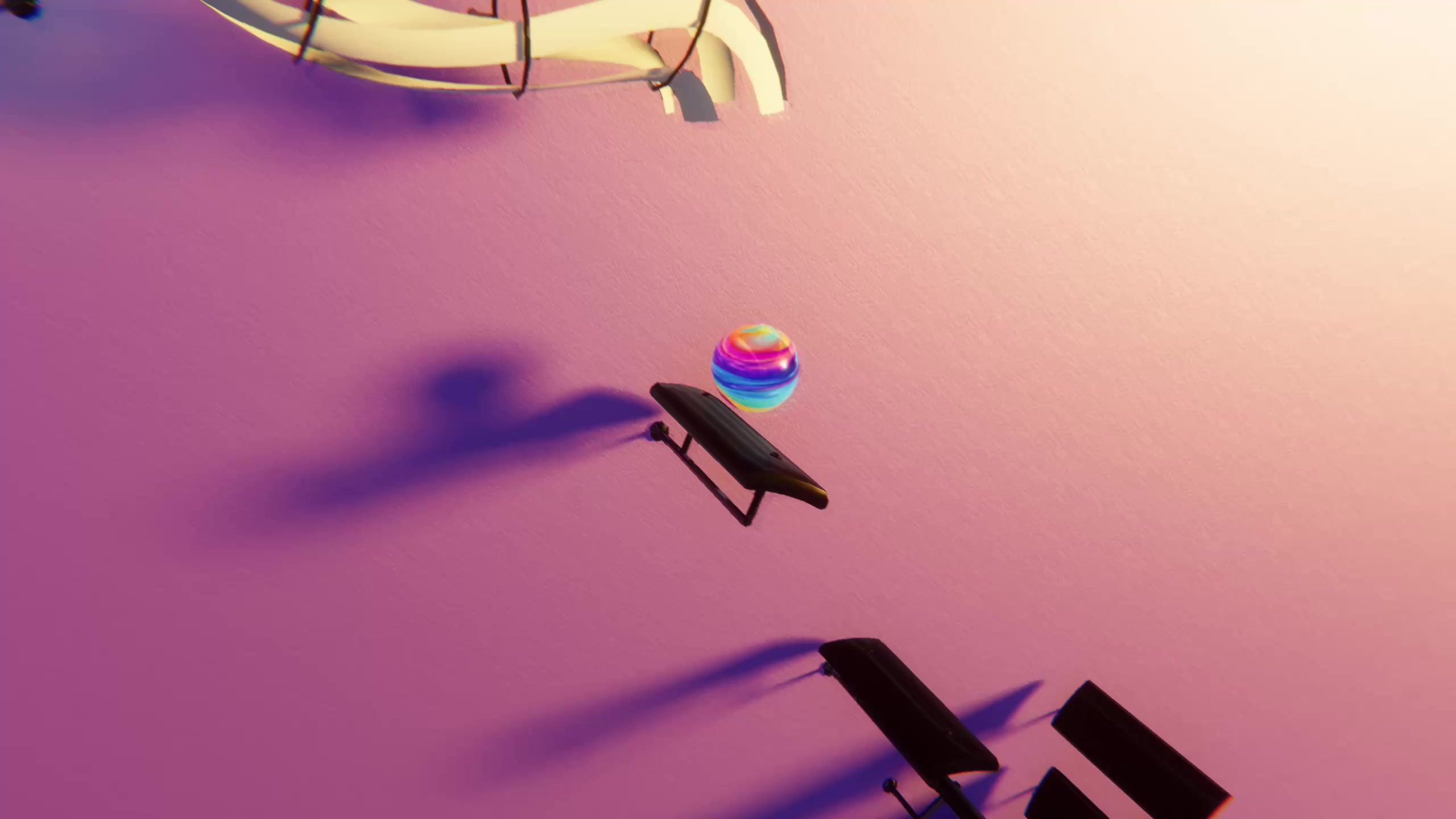
The seven hooks that work best for bouncing ball videos are: start mid-drop, a timed "wait for it" promise, guess the song, "this marble plays [piece] perfectly", a silent-then-sound reveal, a color-theme reveal, and a "which one is harder?" split. Each one gives the viewer a reason to stay within the first two seconds, and each needs only a render plus a few minutes in your video editing app.
This post assumes you already know how to make the base video. If not, start with the step-by-step tutorial, which covers picking a song or MIDI, playing it in Marble Music (formerly Beat Bounce) and rendering in up to 4K. Here, each hook comes with an on-screen line you can copy, a song that suits it, and how to build it.
First: cut so frame one is already moving
Every hook below depends on the first frame showing motion, not a still marble or a quiet intro. A reliable way to get there:
- Render a little more than you need. Include a few seconds before the part you want, so you have room to choose the cut.
- Open the render in your editing app (or your phone's built-in video trimmer) and scrub to the first note of the phrase you want.
- Step back a few frames so the marble is visibly falling toward that first note when the clip starts. Starting exactly on the impact can feel abrupt; starting mid-fall gives the eye something to follow.
- Check the thumbnail. Some apps let you pick a cover frame. Choose one where the marble is mid-bounce, not resting.
- Add on-screen text in the editing app, inside the safe area away from the edges where like and share buttons sit.
Hooks that promise a payoff
1. Start mid-drop
On-screen line: none, or just the piece's name. Song pick: Flight of the Bumblebee by Rimsky-Korsakov.
The simplest hook: open in the middle of the busiest passage, so the first frame is already a blur of bounces. A fast piece like Flight of the Bumblebee makes the opening feel like you dropped in on something impressive. Use it when the music alone is strong enough to stop a scroll.
2. "Wait for the drop at 0:08"
On-screen line: "Wait for 0:08." Song pick: Turkish March by Mozart.
Name the exact second where the clip gets good. It's a specific promise, so it reads as more credible than a vague "wait for it". Build the clip so the quieter opening runs up to a clear change, such as a louder or faster passage, at the time you named. Then check the timestamp after trimming; if the cut moved, change the number.
3. "This marble plays [piece] perfectly"
On-screen line: "This marble plays Für Elise perfectly." Song pick: Für Elise by Beethoven.
This works because the viewer immediately tests the claim against a melody they know. Choose a piece with a famous opening and start right on it. The word "perfectly" invites people to listen closely; keep the level clean in the editor so every bounce really does land on a note they can hear.
Hooks that ask a question
4. Guess the song
On-screen line: "Guess the song in 3 notes." Song pick: Ode to Joy by Beethoven, as an easy round.
Hide the title, play the opening phrase, and reveal the name on screen at the end. A question on frame one gives viewers a job, and comments are where they answer it. Keep the reveal in the last second so people who guessed wait to check.
5. "Which one is harder?"
On-screen line: "Left or right: which one is harder?" Song pick: two renders of Für Elise: the super easy version and the full one.
Render the same piece twice from two MIDI files with different note density, then place them side by side in your editing app. The contrast between a calm marble and a frantic one is visible instantly, even with the sound off. Ask the question in text and let the comments argue.
Hooks that reveal something
6. Silent, then sound
On-screen line: "Turn your sound on." Song pick: Clair de Lune by Debussy.
Mute the first second or two of the clip in your editing app, so the marble bounces silently, then bring the music in on a strong note. The line on screen tells mute scrollers what they're missing. A calm piece suits this hook because the sudden arrival of sound is the surprise, not the speed.
7. Color-theme reveal
On-screen line: "Same song, new look." Song pick: Eine kleine Nachtmusik by Mozart.
Render the same section in two of Marble Music's glowing visual themes and cut between them on a strong beat, so the look changes but the melody doesn't miss a note. It turns a familiar piece into a small surprise, and it doubles as a way to show your audience which theme you'll use next.
Reveals also suit RingLoop, our sister rhythm game, where every song is a set of rings and each cleared ring adds its instrument to the mix. The ring-by-ring build-up is a natural "wait for it" hook on its own, and it renders portrait video for Reels and Shorts.
Match the hook to the song
| Your song is... | Try hook | Why |
|---|---|---|
| Fast and dense | 1. Start mid-drop | The speed is the hook |
| Quiet, then louder | 2. Wait for 0:08 | The change is a promise you can time |
| Famous from the first notes | 3. Plays it perfectly, or 4. Guess the song | Recognition does the work |
| Available in easy and full MIDIs | 5. Which one is harder? | The contrast is visible on mute |
| Slow and calm | 6. Silent, then sound | Sound arriving is the surprise |
| One you've posted before | 7. Color-theme reveal | New look, a song your viewers already know |
All the songs above are public-domain compositions with MIDIs in the free library. A public-domain piece doesn't make every MIDI arrangement free to use, so check the license of any file you bring in from elsewhere.
Test three hooks on one song
Pick one piece, render it once, and cut three versions with different hooks from the table. Post them on different days, then compare how long people watched each one in your analytics. The hook that keeps viewers longest on your account is the one to reuse. To make the render, open Marble Music and import your MIDI.
Frequently asked questions
- How long should a bouncing ball video be?
- There's no single right length. Let the music decide: one complete musical phrase or section, cut where it resolves, usually works better than a clip that stops mid-melody or runs past the part people recognize.
- Should I put text on the first frame?
- Usually yes. A short line on screen from the first frame tells people scrolling with the sound off why the clip is worth watching. Keep it to one line, add it in your video editing app, and keep it away from the edges where platform buttons sit.