How to Start a Faceless Music Channel With Marble Videos
By Cihad Turhan · · 5 min read
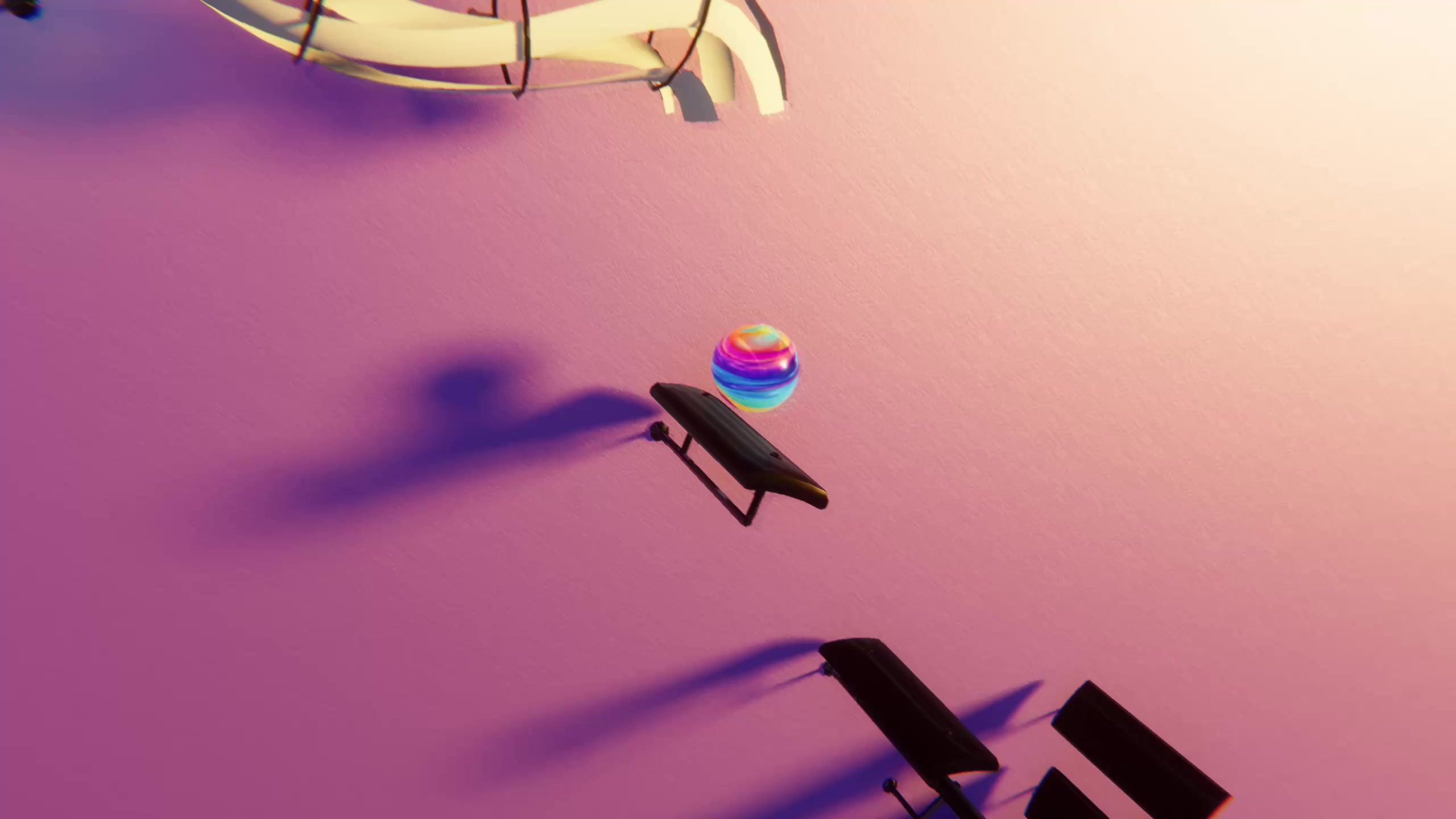
To start a faceless music channel with marble videos, pick one music niche, give the channel a name and bio that say what viewers will hear, and launch with three finished videos in the same visual theme. The marble does the on-screen work, so you never need a camera, a face or a voice.
This guide covers the setup decisions you make once, before your first upload. It assumes you already know how to make a single clip. If you don't, start with how to make a bouncing ball music video and come back here.
Why marble videos suit a faceless channel
A faceless channel needs something to watch besides a person. In Marble Music (formerly Beat Bounce), a marble bounces on every note of a song or MIDI file, so the visual is tied to the music by design. You get motion, rhythm and a clear payoff on every note without filming anything.
That also makes the channel easy to keep consistent. The same app, the same theme and the same song source produce videos that look like they belong together, which is most of what a faceless brand is.
Step 1: Choose a niche you can sustain
Pick a niche you can fill for months, not just a week. Three that work well with marble videos and public-domain music:
| Niche | What it sounds like | Example pieces |
|---|---|---|
| Classical | Well-known melodies people recognize in a few notes | Clair de Lune, Moonlight Sonata, 1st movement |
| Chill piano | Slow, calm pieces for studying or winding down | Gymnopédie No. 1, Nocturne Op. 9 No. 2 |
| Seasonal | Holiday and traditional tunes, posted ahead of each season | Traditional carols in December, spooky classical in October |
You can browse 1,100+ free MIDI files at /midis to see how deep a niche goes before you commit. Even when a composition is public domain, check the license of the specific MIDI arrangement you use.
Avoid building the channel around modern pop or film themes. Covers of copyrighted songs carry copyright risk on every platform, and a channel that depends on them can lose videos at any time. Check each platform's music policy if you're unsure. If you hope to earn from the channel later, read the YouTube Partner Program overview and eligibility page first; copyright-safe music is the part you control.
If your audience leans toward piano learners, there's a second faceless niche worth running alongside this one: "learn the notes" videos. Note Bounce, our sister rhythm game, lands bouncing balls on real sheet music, imports MIDI and renders gameplay videos, so viewers can read the melody on a staff while it plays. You can use the same public-domain MIDI files for both channels.
Step 2: Name the channel and write the bio
A good faceless channel name tells a stranger what they'll hear. A simple formula is a mood or genre word plus a visual word:
- "Marble Classics"
- "Quiet Keys Bounce"
- "Night Piano Marbles"
Before you decide, search the handle on YouTube, TikTok and Instagram so you can use the same one everywhere.
Keep the bio to one or two lines: what you post and how often you can actually keep up. For example: "Classical piano, one bouncing marble. New piece every Monday and Thursday." Don't promise daily uploads unless you're sure you can deliver them.
Step 3: Make your visual theme the brand
Without a face, your theme is what viewers remember. Marble Music has several glowing visual themes. Pick one and use it for every main upload, so a viewer scrolling past can recognize your video before reading the name.
Write your choices down in a short style sheet:
- Theme: the one theme you use for regular uploads.
- Format: vertical for TikTok, Reels and Shorts. The app renders video in up to 4K.
- Title pattern: for example "Clair de Lune, but a marble plays it".
- Exceptions: save a second theme for special series, like seasonal posts.
Use the same frame for your profile picture, so the avatar matches the videos.
Step 4: Launch with a three-video set
An empty channel with one upload gives a new visitor little reason to follow. Finish three videos before you post anything, then publish them over your first few days:
- The most recognizable piece in your niche. For a classical channel, Clair de Lune or Für Elise. This is the video most likely to make someone stop scrolling.
- A calmer, longer piece. It shows the mood of the channel, for example Gymnopédie No. 1.
- A piece that asks for a reply. Pick something slightly less famous and end the caption with "What should the marble play next?" Requests give you ideas for the following weeks.
When a visitor lands on your profile, three matching thumbnails show them what the channel is about.
Step 5: Add long compilations for YouTube
Short vertical clips are a quick way for new viewers to find you, but some listeners want something longer to leave on. Once you have several pieces in your niche, join the rendered clips into one longer video in any video editor, such as "Calm classical piano with a bouncing marble" for studying or sleep.
A simple routine:
- Post each new piece as a Short.
- Every month, gather the month's pieces into one compilation for YouTube.
- Link the compilation in the Shorts' descriptions or a pinned comment, so viewers who like one clip can keep listening.
Use the same theme for the compilation so it matches the rest of the channel.
Build your launch set
Pick your niche, choose three pieces, and render them in Marble Music with one theme. Post them, ask viewers for the next request, and let the comments shape your first month.
Frequently asked questions
- Can a faceless music channel make money?
- It's possible, but only under each platform's own monetization rules, and there are no guarantees. Copyright-safe music matters most, so build your channel on public-domain pieces or music you have the rights to.
- What should I name my music channel?
- Pick a short name that tells people what they'll hear, such as a genre word plus a visual word. Check that the handle is free on every platform you plan to use before you commit.