Flight of the Bumblebee Marble Video: Make Speed Look Clean
By Cihad Turhan · · 4 min read
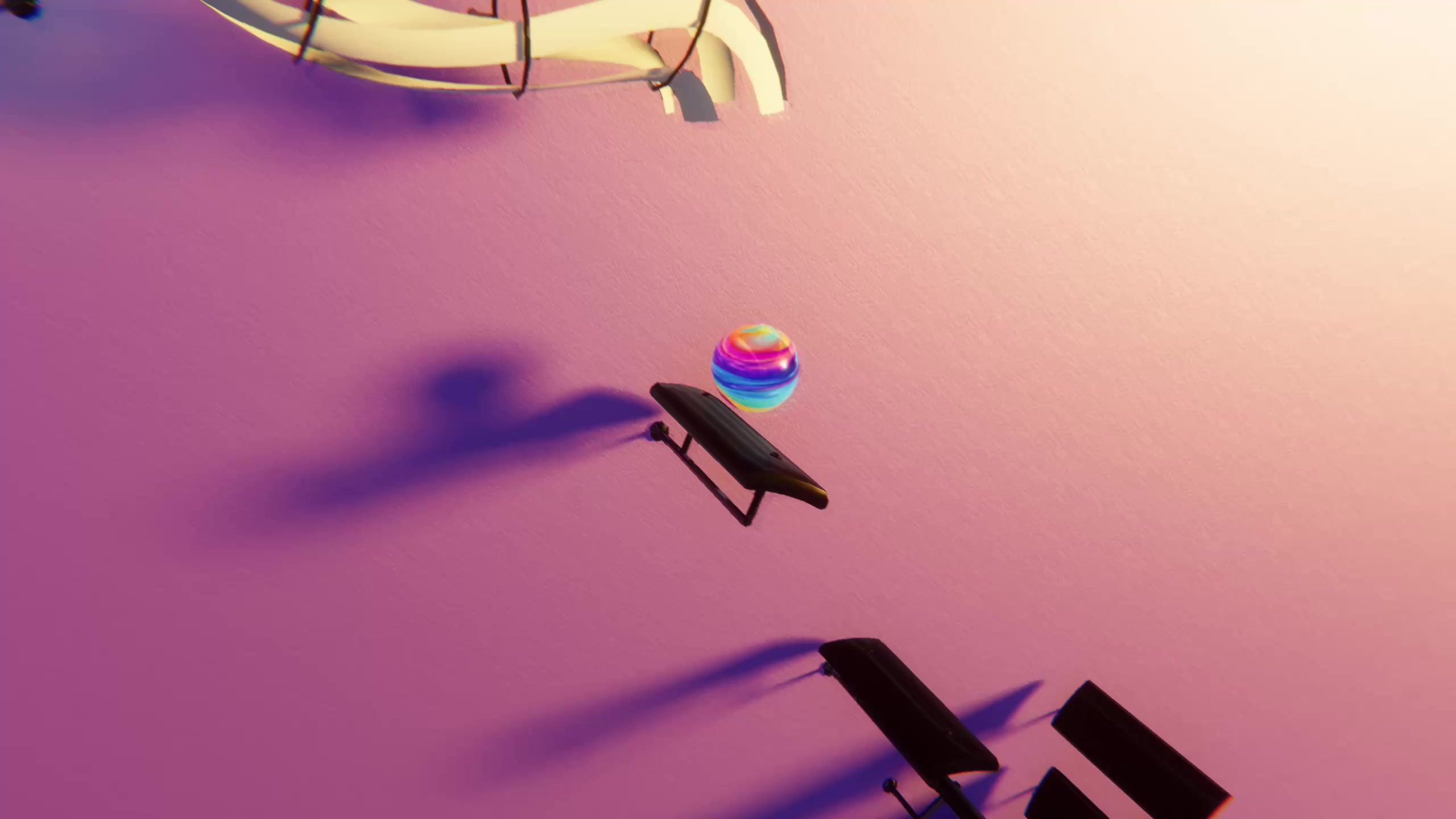
To make a Flight of the Bumblebee marble video that reads on a phone, slow the MIDI by 15 to 25 percent, import it into Marble Music's level editor, and render a short clip of the opening run in a high-contrast theme. The piece is an almost nonstop stream of fast notes, so the marble never rests, and without those three steps it blurs.
Done right, it's a natural "how is that even possible" clip. Done wrong, it's a smear on a phone screen. This spotlight covers where the piece comes from, why it's so hard to show cleanly, and a three-video "speed ladder" series that turns the difficulty into the hook.
Where the piece comes from
Flight of the Bumblebee is an orchestral interlude from Nikolai Rimsky-Korsakov's opera The Tale of Tsar Saltan, composed in 1899–1900. In the story, a magical Swan-Bird turns Prince Gvidon into a bumblebee so he can fly off to visit his father (The Tale of Tsar Saltan on Wikipedia). The music imitates that buzzing flight with rapid, twisting runs that move mostly by half steps, the smallest distance between two notes in Western music.
It's a short passage in a long opera, but it lives on as a concert showpiece for pianists and violinists.
Why it's hard to show
Most melodies have rhythm you can see: long notes, short notes, pauses. Flight of the Bumblebee is mostly one note value, very fast, with almost no gaps. In a marble video, that means:
- Tiny bounces. With so little time between notes, each bounce is short. At full speed on a small screen, the motion can blur.
- No breathing room. There's no pause where the viewer's eye can catch up.
- Same-looking runs. Chromatic runs climb and fall in small steps, so the shape of the melody is subtle.
Those runs are also hard to picture without the score: lots of sharps and flats, one after another. Note Bounce imports MIDI and drops bouncing balls onto real sheet music, so you can watch those half steps climb across the staff. It's a good answer for viewers who ask how the piece is even written down.
None of that makes it a bad choice. It means you have to design the clip, not just render the whole file.
Pick the right MIDI
The /midis library has two versions:
Import both into the level editor of Marble Music (formerly Beat Bounce) and compare. The piano version has two tracks, a right-hand run and a left-hand accompaniment. For this piece, prefer the cleanest single melody line: the accompaniment track adds hundreds of extra bounces and makes the blur worse. If a file has both, delete the accompaniment in a free editor like MuseScore before importing. Check the license of any MIDI you didn't make yourself.
Five ways to keep it readable
- Slow it by 15 to 25 percent. The piece is so fast that a modest slowdown still looks frantic, but each bounce becomes visible. Change the tempo in the MIDI editor before importing.
- Clip 8 to 15 seconds. The opening run is the recognizable part. A short burst lands harder than a full minute.
- Choose high contrast. A bright marble against a dark background is easier to follow at speed than a soft, low-contrast theme.
- Render high. Fine, fast motion benefits from resolution, so render in up to 4K and let each platform scale it down.
- Watch it on a phone first. If you can't follow the marble on your own screen, nobody else will either. Slow it a bit more.
The speed-ladder series
Turn the difficulty into a three-part series. Each post plays the same opening, faster each time.
| Post | Tempo | Caption idea |
|---|---|---|
| 1 | About 60 percent | "Flight of the Bumblebee at 60%. Still easy to follow." |
| 2 | About 80 percent | "80%. The marble is starting to sweat." |
| 3 | Full speed | "100%. Can you still follow it?" |
Export three tempo versions of the MIDI, import each, and render them in the same theme so the only difference is speed. Post them a day or two apart, and mention the next rung in each caption. For general posting steps, see the bouncing ball video tutorial.
A fourth post can stitch all three into one clip with a short label on each section. That's also where a "Which one is harder?" question works well, since the answer looks obvious until viewers try to follow the full-speed marble.
Render your first rung
Start with the 60 percent version. It's the easiest to get right and the best test of your clip choice and theme. Once it looks clean on your phone, speed it up for the next two rungs and post the series over a week.
Frequently asked questions
- Is Flight of the Bumblebee public domain?
- The composition is. Rimsky-Korsakov wrote it for his opera The Tale of Tsar Saltan in 1899–1900, and he died in 1908. Specific recordings and MIDI arrangements can still belong to whoever made them.
- Why does my Flight of the Bumblebee video look like a blur?
- The piece is a nearly continuous run of very fast notes, so every bounce is tiny. Slow the MIDI tempo a little, keep the clip short, and use a high-contrast theme so the marble stays visible.