Für Elise Bouncing Marble Video: Easy vs Full Version
By Cihad Turhan · · 5 min read
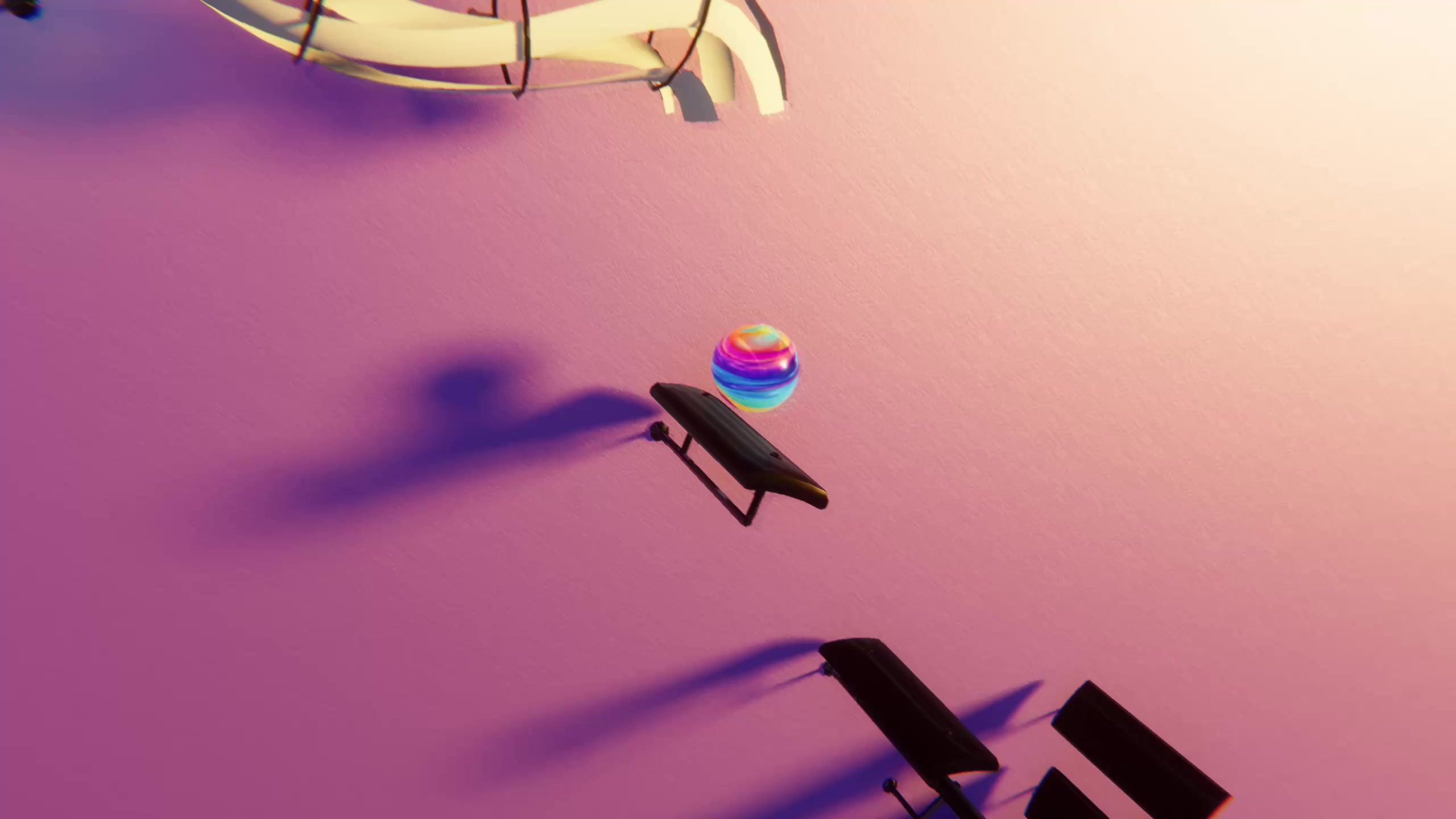
For a Für Elise bouncing marble video, use the super easy MIDI when you want calm, readable bounces, and the full version when you want the real piece with its busy middle sections. Both files open with the same famous melody, so for a 15-second clip of the opening, the choice matters less than you might expect.
The difference shows up later in the piece, and it's big. Below are measured numbers from the two free files on this site, a short history of the piece, and a guide to choosing a section and a file for your clip in Marble Music (formerly Beat Bounce).
The two files at a glance
Both files are in the site's free MIDI library. The numbers come from reading the files themselves.
| Super easy version | Full version | |
|---|---|---|
| Length | About 1 minute 10 seconds | About 2 minutes 45 seconds |
| Total notes | 294 | 1,041 |
| Average notes per second | About 4 | About 6 |
| Notes in the first 15 seconds | 66 | 72 |
| Notes in the busiest 5 seconds | 25 | 77 |
| Tempo | Steady, with one brief slowdown | Hundreds of small tempo changes |
Two things stand out. First, the openings are close: 66 notes versus 72 in the first 15 seconds. Second, the busiest moments are not close at all. The full version packs three times as many notes into its densest five seconds, and that is what a viewer will notice when the marble suddenly turns into a blur.
A short history of Für Elise
Für Elise is the popular name for Beethoven's Bagatelle No. 25 in A minor. He wrote it in 1810, but it wasn't published in his lifetime. Ludwig Nohl found the manuscript and published it in 1867, four decades after Beethoven's death. Nobody knows for certain who "Elise" was, and that small mystery is one reason the piece keeps its charm. Its opening is familiar even to people who have never played piano, which is exactly why it works so well under a bouncing marble.
How note density changes the bounces
In Marble Music, the marble lands on every note in the MIDI. So the note counts in the table translate directly into what the viewer sees:
- Super easy: around four bounces a second, and never more than 25 in any five-second stretch. Each landing is separate enough to follow with your eyes. This suits calm, satisfying clips and long uncut runs.
- Full version: mostly similar in the opening, then much denser in the faster passages, where runs and accompaniment add notes on top of the melody. Those stretches look dramatic, but the melody gets harder to pick out of the bounces.
- Tempo: the full file speeds up and slows down constantly, like a pianist playing with expression. The marble follows that timing, so the bounces breathe rather than tick like a metronome. The easy file stays even, which looks tidier and loops more cleanly.
If a busy passage in the full version looks too crowded, import the MIDI and edit the level to thin it out rather than switching files.
Which section makes the best 15-second clip
For most posts, start on the very first note of the opening theme. It's the part people know, both files begin with it, and 15 seconds is enough for the opening phrase to play out.
Two alternatives worth testing:
- The return of the theme. The opening melody comes back several times in the piece. Starting on a return, after a contrasting passage, gives you a clip that opens with motion already underway and then lands on the familiar tune.
- The densest passage of the full version. Use this only when the speed is the point. It works as a contrast post after a calm opening clip, not as an introduction to the piece.
Whichever you choose, cut on a bounce, not between notes, so the clip ends cleanly.
Which version to use when
- Pick the super easy file for relaxing or study-style clips, for a first-time import, when you want a clean loop, or when the viewer should hear the melody clearly.
- Pick the full file when you want the real piece as Beethoven wrote it, with its expressive timing and the busier contrasting sections, or for a longer video that shows the whole thing.
- Pick either for a 15-second clip of the opening; listen to both and choose by sound.
Some viewers will watch your clip and ask how to play it. Note Bounce, our sister rhythm game, lands bouncing balls on real sheet music, so it's a good place to point them. Import the same MIDI and they can read the A-minor opening on the staff, note by note, as it plays.
Render your Für Elise clip
- Download the super easy or full MIDI from the table above.
- Open Marble Music, import the MIDI and edit the level if any passage is too crowded.
- Play it through once and note where the opening theme starts and ends.
- Render in up to 4K, then trim to the section you picked.
If you haven't posted a marble video before, the step-by-step tutorial walks through the render and posting flow. A public-domain composition doesn't make every arrangement free to use, so if you bring in a different Für Elise MIDI from elsewhere, check its license first.
Frequently asked questions
- Is Für Elise public domain?
- The composition is. Beethoven wrote it in 1810 and it was published in 1867. Specific arrangements, MIDI files and recordings can have their own rights, so check the license of any file you didn't make.
- Which part of Für Elise is most recognizable?
- The opening theme, a gentle back-and-forth between E and D-sharp that settles into A minor. It returns several times in the piece, so you can clip it from more than one spot.