How to Use Instagram Trial Reels to Test Music Video Ideas
By Cihad Turhan · · 4 min read
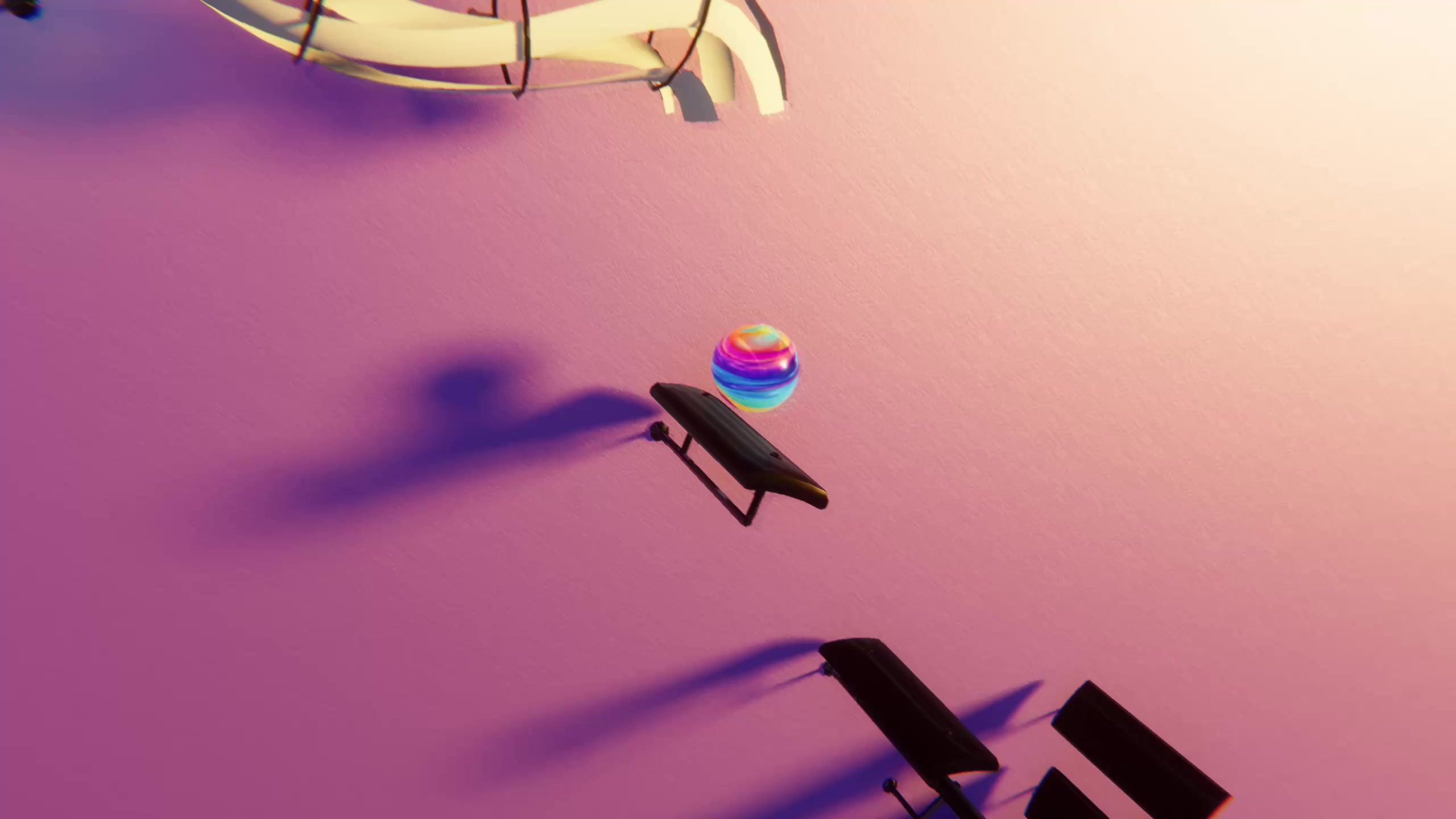
Instagram trial reels let you post a Reel to non-followers first, see how it performs, and only then decide whether your followers see it. For music creators, that makes them a low-risk way to test which song, visual theme or hook works best before committing a post to your main feed.
Bouncing-marble videos are especially easy to test this way, because you can render several versions of the same clip with exactly one difference between them. Below is how trial reels work, what to test first, and a simple routine for reading the results without fooling yourself.
How trial reels work
According to Instagram's own announcement, Trial reels: Try content with non-followers first:
- You create a Reel as usual, then turn on the Trial toggle before sharing.
- The Reel is shown to non-followers first. Your followers won't see it in Feed or the Reels tab during the trial.
- About 24 hours after sharing, you can see key engagement metrics such as views, likes, comments and shares.
- If it performs well, you can share it with everyone, or choose to have Instagram share it automatically based on how it does in the first 72 hours.
Instagram features often roll out gradually, so check that the Trial toggle appears on your account before planning a test.
Why marble videos are ideal for testing
A good test changes one thing and keeps everything else equal. Most creators can't do that, because every video is filmed differently. With a rendered marble video, you can:
- Keep the same song and change only the visual theme.
- Keep the same render and change only the start point or caption.
- Keep the same theme and change only the song.
That's a real comparison, not a guess. Import a MIDI into Marble Music (formerly Beat Bounce), render the versions you need in up to 4K, and post them as separate trials.
Five tests worth running
| Test | Version A | Version B | What it tells you |
|---|---|---|---|
| Song | Für Elise opening | Canon in D opening | Which classic your audience recognizes faster |
| Theme | Dark, soft glow | Bright, high contrast | Which look holds attention for this kind of music |
| Start point | First note of the piece | Jumping straight to the most famous phrase | Whether viewers need the intro or want the payoff |
| Length | 15 seconds | 45 seconds | How long people actually watch |
| Hook text | No text | "Wait for the switch to major" | Whether on-screen text helps or distracts |
Run one test at a time. If you change the song and the theme at once, you won't know which one made the difference.
A clean testing routine
- Pick one variable from the table and write it down before you render.
- Render both versions from the same MIDI, at the same quality, with the same caption except where the caption is the variable.
- Post both as trials on the same day, a few hours apart, so neither gets an obvious timing advantage.
- Wait the same amount of time for each before comparing, for example 24 hours.
- Compare the metric that matches your question. Views tell you about the opening frame; shares and comments tell you whether people cared.
- Share the winner with everyone, and keep the loser as a lesson, not a failure.
Keep a simple log: date, song, variable, version A result, version B result. After several tests, patterns start to show that one-off posts rarely reveal.
Reading results honestly
Small numbers are noisy. If version A gets slightly more views than version B, that's not a finding; it could easily flip next time. Look for clear gaps, and repeat a test that matters before changing your whole style. And remember that trial reels go to non-followers, so a result tells you what new viewers like, which may differ from what your existing audience prefers.
No test guarantees reach on any platform. What testing does is replace guesswork with evidence about your own audience, which gives each next video a better chance.
Test a different format, too
Trials are also the safest place to try a new kind of video. If you've wondered whether your audience would care about seeing notes on a staff, render a clip in Note Bounce, which drops bouncing balls onto real sheet music and renders the gameplay as a video. Post it as a trial next to your usual marble version of the same song, and let non-followers tell you whether a learning angle works for you before your followers ever see it.
Run your first test this week
Choose one public-domain piece from /midis, render it in two themes, and post both as trial reels on the same day. Check the license of any MIDI you didn't make yourself. After 24 hours, compare views and shares, share the winner, and write down what you learned. For the basics of making and posting the clip itself, see the bouncing ball video tutorial.
Frequently asked questions
- Do my followers see a trial reel?
- Not at first. Instagram says followers won't see a trial reel in Feed or the Reels tab while it's a trial. You can later share it with everyone, or let Instagram share it automatically if it performs well.
- How long should I wait before judging a trial reel?
- Instagram says key engagement metrics are available about 24 hours after you share, and its automatic sharing option looks at views over the first 72 hours. Comparing trials after the same amount of time keeps the test fair.