Moonlight Sonata Marble Video: Calm 1st vs Stormy 3rd Movement
By Cihad Turhan · · 4 min read
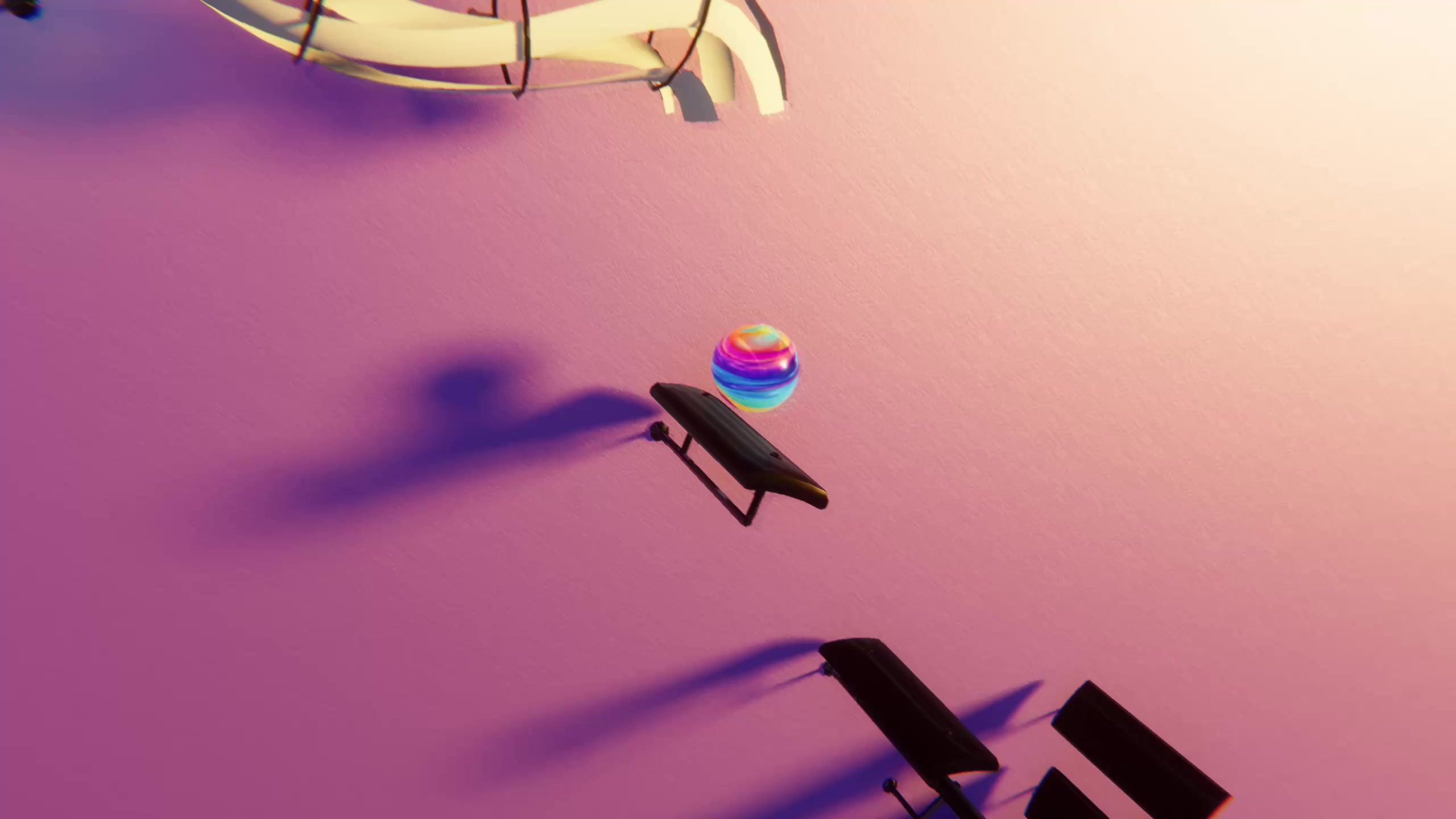
In Marble Music, the Moonlight Sonata gives you two completely different marble videos from one public-domain piece: the slow first movement makes a calm, hypnotic clip, and the furious third movement makes a fast, flashy one. Both have free MIDI files on /midis, so you can render the pair in an afternoon and see which your audience prefers.
That contrast is the reason to feature this sonata rather than another classical favorite. Most pieces suit one mood. This one lets you show viewers the same composer, key and sonata at two extremes, which also makes a natural two-part series.
A short history
Beethoven's Piano Sonata No. 14 in C-sharp minor, Op. 27 No. 2, was completed in 1801. He marked it "quasi una fantasia", like a fantasy, and the "Moonlight" name wasn't his. According to Wikipedia's article on the sonata, the poet and critic Ludwig Rellstab later compared the first movement to moonlight shining on Lake Lucerne, and the nickname stuck.
The sonata has three movements:
- Adagio sostenuto: slow, quiet, built on a steady rolling pattern of triplets.
- Allegretto: a short, lighter middle movement.
- Presto agitato: very fast and stormy, with rushing broken chords and sharp accents.
For video purposes, movements 1 and 3 are the stars.
First movement: the calm clip
The opening movement is a steady stream of evenly spaced triplets under a slow melody. As bounces, that becomes a constant, gentle rhythm: the marble never rushes and never stops.
MIDI: Sonate_No._14_Moonlight_1st_Movement.mid. /midis has other versions of the sonata too, so compare them, keep the cleanest and check the license of any file you didn't make.
What to watch for: the triplets are continuous, so the marble bounces on every one of them. If that looks too busy, remove the accompaniment track in a free editor such as MuseScore and keep only the melody, or keep both and let the steady pattern become the hypnotic point of the video.
The first movement is also a favorite with piano learners, so expect some viewers to ask how to play it. Note Bounce imports MIDI and drops bouncing balls onto real sheet music, so seeing the triplet pattern land on the staff as it plays is an easy next step for anyone who wants to read it.
Best clip: the opening bars, before the melody enters, are instantly recognizable. Start on the very first note and run through the first melody phrase. For YouTube, the whole movement as one uncut run makes a good study or sleep video.
Third movement: the showpiece
The Presto agitato is the opposite: rapid rising arpeggios that crash into loud chords, over and over. As bounces, it's a burst of speed followed by impact, which is the most dramatic thing a marble can do.
MIDI: Sonate_No._14_Moonlight_3rd_Movement.mid.
What to watch for: this movement is extremely dense. On a phone screen, the fastest runs can blur. Two fixes help:
- Slow it slightly. Lowering the tempo by 10 to 15 percent in a MIDI editor keeps the energy but makes individual bounces visible.
- Keep it short. A 10 to 15 second burst lands harder than a minute of constant speed.
Best clip: the very opening, where the first rising run hits the two accented chords. It works as a hook because something happens in the first second.
Side by side
| 1st movement | 3rd movement | |
|---|---|---|
| Tempo marking | Adagio sostenuto (slow, sustained) | Presto agitato (very fast, agitated) |
| Look as bounces | Even, flowing, hypnotic | Rapid runs, hard hits |
| Ideal length | 30 seconds to the full movement | 10–15 seconds |
| Theme | Dark, soft glow | High contrast, bright |
| Best for | Calm clips, study videos | Hooks, "harder than it looks" clips |
| Caption idea | "Moonlight Sonata, but every note is a bounce" | "Same sonata. Third movement." |
Turn it into a two-part series
The contrast is the content. Here's a simple plan:
- Post 1: the first movement, calm and slow. End the caption with a question: "The third movement is the same sonata. Want to see it?"
- Post 2: the third movement, a day or two later. Mention the first clip in the caption so new viewers go back to it.
- Post 3 (optional): both side by side, or one after the other in a single video, captioned "Calm vs chaos, both Beethoven".
Import each file into the level editor of Marble Music (formerly Beat Bounce), edit the level as needed and render in up to 4K. The bouncing ball video tutorial covers the posting steps.
Render both tonight
Download the first- and third-movement MIDIs, import them, and render a short clip of each. Watch them back to back on your phone. If the third movement blurs, slow it a little and render again. Then post the calm one first and let the contrast do the work.
Frequently asked questions
- Is the Moonlight Sonata public domain?
- Yes, Beethoven completed it in 1801, so the composition is public domain. Specific recordings, editions and MIDI arrangements can still belong to whoever made them, so check the license of the file you use.
- Why is it called the Moonlight Sonata?
- Beethoven didn't name it. The nickname comes from the critic and poet Ludwig Rellstab, who compared the first movement to moonlight on Lake Lucerne in a review published after Beethoven's death.