How to Make a Pomodoro Study Music Video With Classical Piano
By Cihad Turhan · · 4 min read
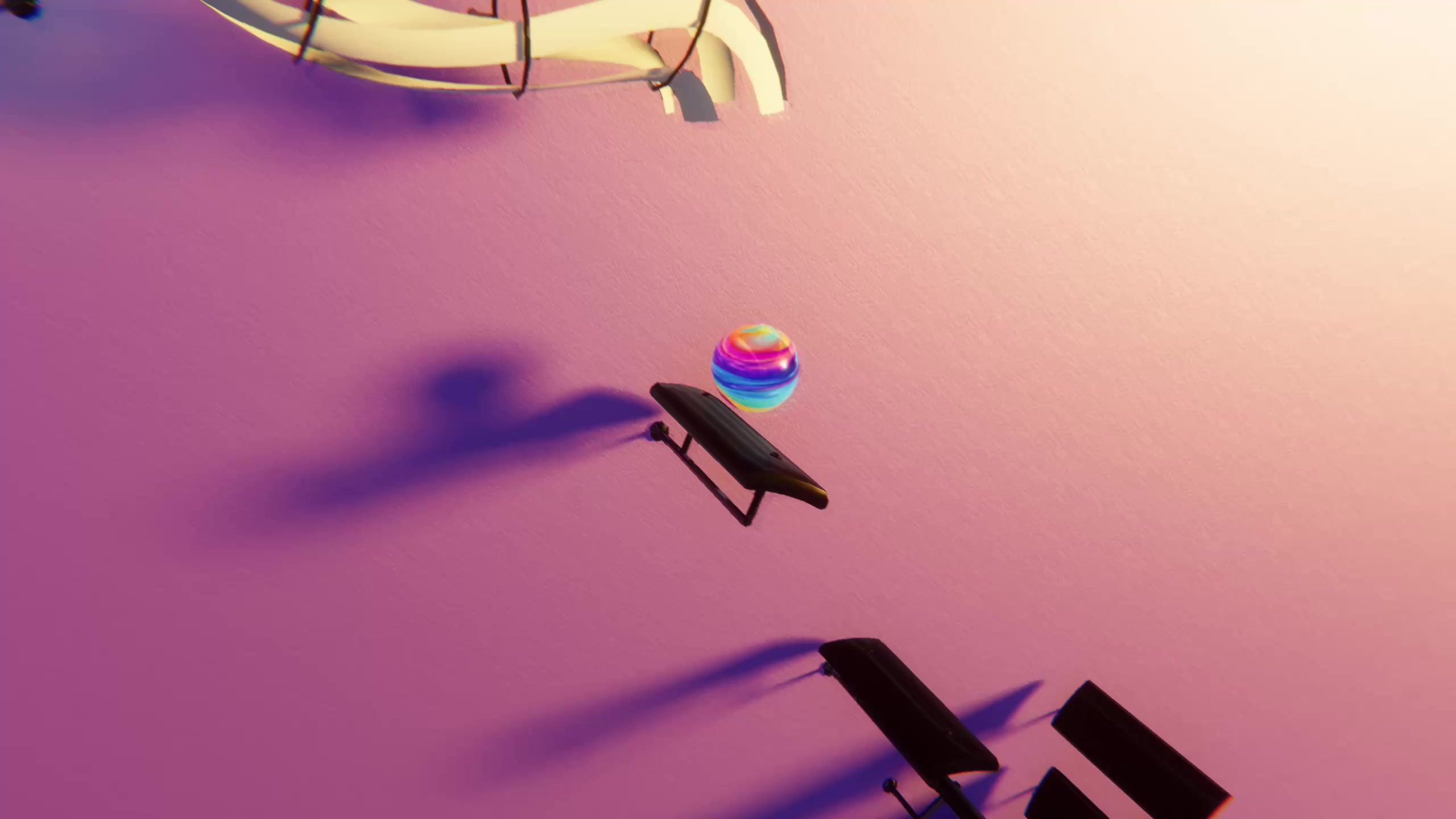
To make a Pomodoro study music video, build a 25-minute focus block from calm, public-domain piano pieces rendered as marble videos, follow it with a clearly different 5-minute break segment, and add a simple timer and chapters so viewers always know where they are. Upload it as a regular YouTube video, not a Short, because people will leave it running.
Study-with-me and Pomodoro videos are a search-driven format: people look for them when they sit down to work. That makes them different from scroll-stopping clips. Here's how to plan the structure, choose the music, assemble the file and package it.
The structure: 25 on, 5 off
The Pomodoro Technique, developed by Francesco Cirillo, splits work into timed intervals, traditionally 25 minutes, separated by short breaks. A Pomodoro video simply builds that rhythm into the video so the viewer doesn't need their own timer.
A typical one-round layout:
| Segment | Length | What's on screen | Music |
|---|---|---|---|
| Intro | 10–15 seconds | Title card: "25 min focus, 5 min break" | None, or the first notes fading in |
| Focus block | 25:00 | Marble renders, one calm theme, a timer counting down | Slow piano pieces back to back |
| Break | 5:00 | A visibly different look, the timer reset | Lighter music, or a different style entirely |
| Optional round 2 | 25:00 + 5:00 | Same as above | New pieces, same mood |
Keep the focus and break segments clearly different in look and sound. When the break starts, a viewer who isn't watching should still notice from the audio alone.
Choose the focus music
The focus block needs music that stays in the background: no lyrics, few sudden loud moments, steady tempo. Slow public-domain piano is ideal. Good picks from /midis:
- Satie's Gymnopédie No. 1: slow and spacious.
- Debussy's Clair de Lune: gentle, though its middle section gets busier.
- Chopin's Nocturne Op. 9 No. 2, easy version: a singing melody over a steady accompaniment.
- Bach's Prelude No. 1, easy version: even, repeating broken chords that are almost meditative.
- Pachelbel's Canon in D: a calm repeating bass that builds slowly.
These pieces are a few minutes each, so plan on several to fill 25 minutes. Repeating a piece is fine; study viewers aren't counting. Check the license of any MIDI you didn't make yourself.
Render the segments
- Import each MIDI into Marble Music (formerly Beat Bounce), edit the level if needed, and pick one calm glowing theme for every focus piece.
- Render each piece at high quality; Marble Music renders in up to 4K. Study videos are often watched on laptops and TVs, where sharpness shows.
- Render the break music with a different visual theme, or a livelier public-domain piece, so it looks and sounds distinct.
- Write down each render's length. You'll need the total to land at 25:00.
The break is also where a second visual style helps. RingLoop has lo-fi and synthwave loops, renders landscape video for YouTube, and has a "perfect loop" option, so a short break clip can repeat seamlessly for the full five minutes. The switch from piano and marble to a neon loop tells viewers it's time to stretch without a word on screen.
Assemble the video
Any video editor works. Free options such as CapCut or the editor built into your computer are enough.
- Lay the focus renders end to end. If the total is short, repeat a piece; if it's long, trim at a phrase ending, never mid-phrase.
- Add a soft crossfade of a second or two between pieces so there's no jarring gap.
- Place a countdown timer in a corner, large enough to read from across a desk but not covering the marble's path. Many editors include timer or text-animation templates; otherwise a simple "minutes remaining" text updated each minute works.
- At 25:00, switch to the break segment with a clear visual change and a gentle chime or a change of music.
- Export once at the highest quality you can, and upload that file.
Package it for search
People find these videos by searching, so the title should state exactly what's inside:
- "25 min Pomodoro, classical piano study session with calm visuals"
- "Study with me: 2 hours of Pomodoro (25/5), relaxing piano"
In the description, list the pieces with composer names, credit any MIDI sources with their licenses, and add chapters with timestamps: "0:00 Intro, 0:15 Focus 1, 25:15 Break, 30:15 Focus 2". Chapters let viewers jump back to the start of a round. If you also post short clips, link them to the full study video; the bouncing ball video tutorial covers the short-form side.
Build your first round
Start with one round: 25 minutes of focus and a 5-minute break. Pick five pieces from the list above, render them in one theme, assemble the timeline and watch the full video once while you actually study. If anything pulls your attention away from your work, a loud passage or a busy section, swap it out before you publish.
Frequently asked questions
- How long is a Pomodoro study session?
- The classic Pomodoro Technique uses 25 minutes of focused work followed by a short break, often about 5 minutes, with a longer break after several rounds. Many study videos repeat that 25/5 pattern.
- What music is best for a study video?
- Calm instrumental music without lyrics is the usual choice, and slow public-domain piano pieces are a safe option. Avoid sudden volume changes so the music stays in the background.