Why Bouncing Ball Music Videos Go Viral (and How to Use It)
By Cihad Turhan · · 6 min read
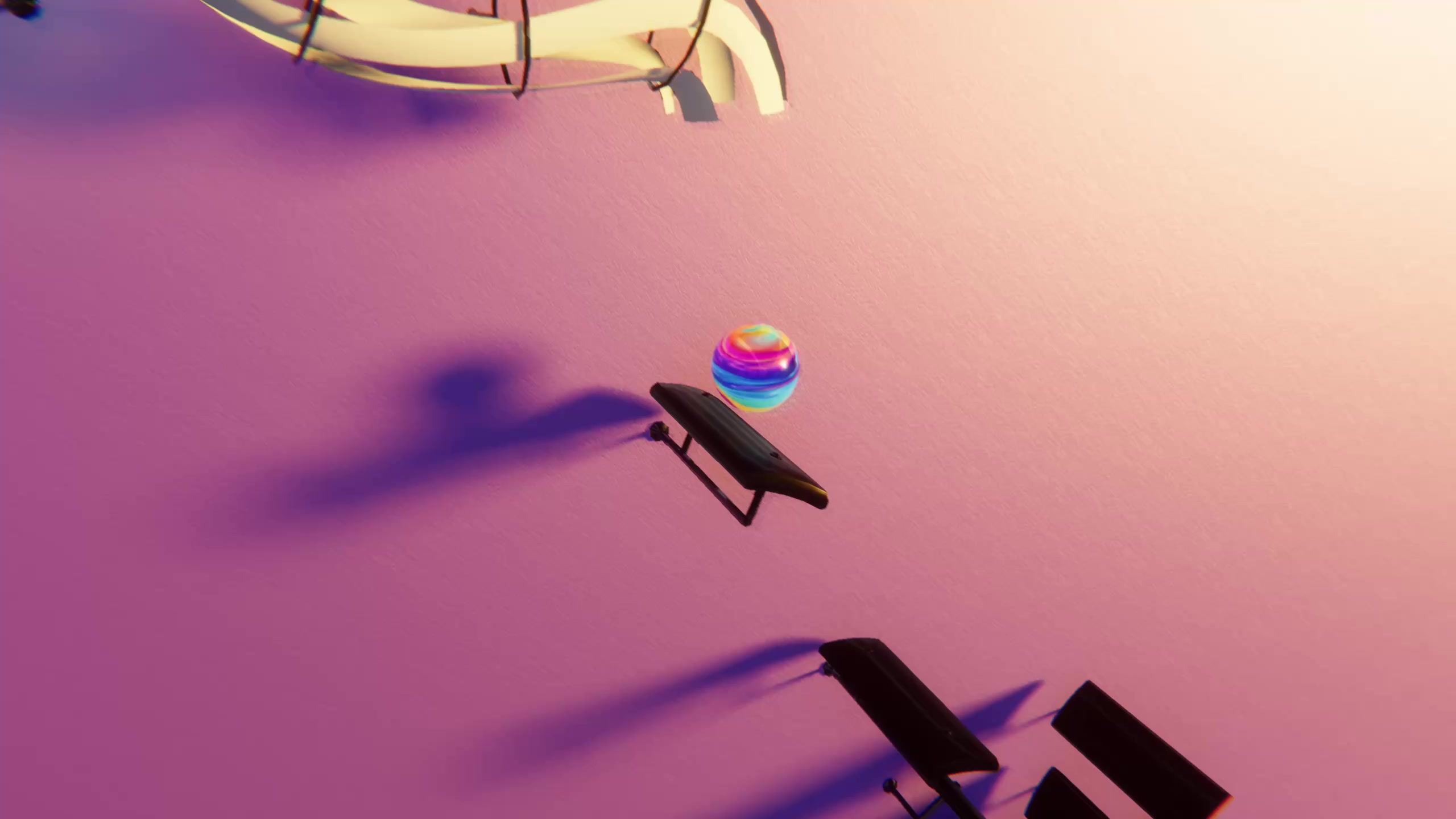
Bouncing ball music videos get watched to the end because they stack four small rewards: anticipation before the drop, exact sync between every bounce and a note, a pattern that resolves, and a melody the viewer already knows. Each of those is a production choice you control, so you can design a clip around them instead of hoping it lands.
This post breaks the format into those four parts and turns each one into a concrete decision in Marble Music (formerly Beat Bounce). If you have never made one of these videos, start with the step-by-step tutorial and come back here when you want to make your next one better.
What makes a clip "oddly satisfying"
Bouncing ball videos belong to a wider genre. Wikipedia's overview of oddly satisfying videos describes them as clips of repetitive events that viewers find pleasing, from domino runs to soap cutting, and notes that people often watch them to relax or unwind. What these clips share is predictability with a payoff: you can see what is about to happen, and then it happens exactly right.
A bouncing marble adds sound that is locked to the motion. A domino run makes a clatter; a marble that lands on every note of a melody makes music. The eye and the ear agree on every hit, which keeps the clip interesting past a single "satisfying" moment.
Below are the four parts, in the order a viewer experiences them.
1. Anticipation: give the viewer a drop to wait for
Answer "what is this?" within a second, then set up the next question: "what happens at the fast part?"
Production choices:
- Start on motion. Trim the render so the marble is already falling in the first frame. A still opening gives people time to scroll away.
- Pick a song with a build. Pieces that get faster or busier give the marble somewhere to go. Grieg's In the Hall of the Mountain King is a textbook example: one short theme repeated faster and louder until it breaks loose. You can grab a MIDI of it from the library and import it in the level editor.
- Name the payoff on screen. A line like "wait for the last 10 seconds" turns the build into an explicit promise.
2. Precise sync: make every bounce a note
In Marble Music the marble bounces on every note, so sync is automatic. What you control is whether each note is legible.
Production choices:
- Prefer a clean melody line. A MIDI with a clear single melody shows the sync best, because every bounce maps to one note the viewer can hear. A dense arrangement with chords and fast accompaniment produces a blur of hits that reads as noise.
- Edit the level when it is too busy. The level editor lets you edit levels after a MIDI import. If a passage is crowded, simplify it until the bounces have room to breathe.
3. Pattern and closure: let the shape resolve
Satisfying clips usually end with something completing: the last domino falls, the jar is full. Music has closure built in, because melodies resolve at the end of a phrase. You get that feeling for free if you cut in the right place.
Production choices:
- End on a resolved note, not mid-phrase. Cut the clip at the end of a musical phrase so the last bounce feels final. If you want the clip to replay, choose a phrase whose ending leads naturally back into its start.
- Use repetition on purpose. A piece built on a repeating figure, such as Pachelbel's Canon over its looping bass line, lets the viewer recognize the pattern, then enjoy each variation on it. A Canon in D MIDI is a good first test.
- Choose a glowing theme that fits the mood. Marble Music has several glowing visual themes. A calm piece looks best on a theme that stays out of the way; a fast piece can carry a brighter one.
4. Recognition: lead with a melody people know
A familiar tune gives the viewer a reason to stay: they want to hear the marble play the part they know.
Production choices:
- Lead with the famous phrase. If the recognizable part of a piece arrives 30 seconds in, start your clip there.
- Lean on public-domain classics. Pieces like Für Elise, Clair de Lune and Canon in D are widely known and their compositions are in the public domain. A public-domain composition doesn't make every MIDI arrangement free to use, so check the license of the specific file.
- Be careful with modern songs. Pop, film and game themes are recognizable too, but covers of copyrighted songs carry copyright risk on every platform. Check each platform's music policy before you post one.
A pre-render checklist
Use this before every render so each clip hits all four parts:
| Part | Question to ask | Fix if the answer is no |
|---|---|---|
| Anticipation | Is the marble moving in the first frame? | Trim the start of the render |
| Anticipation | Is there a build or a drop to wait for? | Pick a section that speeds up or gets busier |
| Sync | Can you hear each bounce as one note on a phone? | Simplify the level in the editor |
| Closure | Does the clip end at the end of a phrase? | Move the cut to the phrase ending |
| Recognition | Is the famous part in the first few seconds? | Start the clip at the recognizable phrase |
| Mute viewers | Is the song name on screen? | Add it as on-screen text in your video app |
Here is how one plan looks in practice. Song: In the Hall of the Mountain King. Start: the first quiet statement of the theme, marble already falling. Build: let it run through the accelerating repeats. End: cut on the final crash. On-screen line: "This marble plays Grieg. Wait for the end." Caption: "Every bounce is a note of In the Hall of the Mountain King."
Pair it with a second format
The same payoff logic works in a different shape in RingLoop, a sister rhythm game where every song is a set of rings and each cleared ring adds its instrument to the mix. Instead of one marble hitting every note, the song builds layer by layer until the full arrangement plays. If you want a second, contrasting format for your feed, it renders portrait clips for Reels and Shorts from a MIDI import too.
Make your next clip
Pick one public-domain piece with a build, import it into Marble Music, run through the checklist above, and render it in up to 4K. Then make a second version with a different start point or theme and compare which one people watch longer. Over a few posts, those comparisons will tell you more about your audience than any general rule.
Frequently asked questions
- Why do people find bouncing ball videos satisfying?
- They combine several things people enjoy watching: a repeating motion, an event that lands exactly when you expect it, and a pattern that completes. When each bounce is also a note of a familiar melody, sound and picture confirm each other on every hit.
- Do bouncing ball videos need sound to work?
- The motion alone is pleasant to watch, but the sync between bounce and note is the core of the format, so it works best with sound. For people scrolling on mute, put the song name on screen so they know there is a reason to turn the sound on.